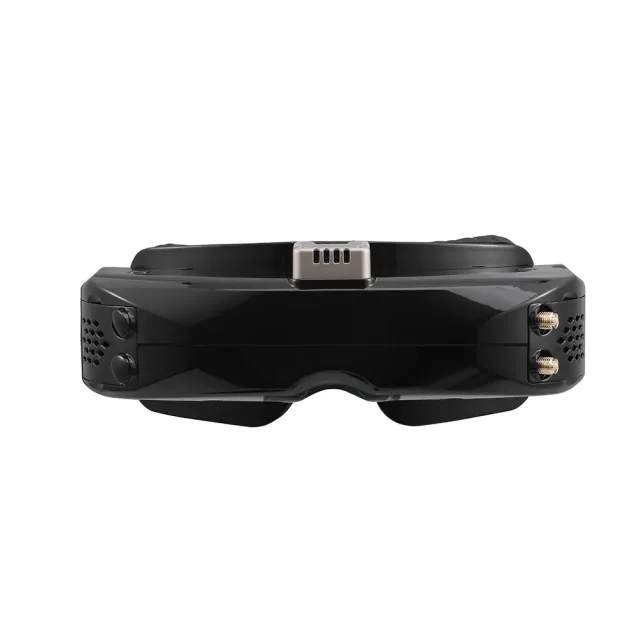
Skyzone SKY04X PRO 5.8 GHz OLED Goggles with 52° Field of View
Estimated price
$635.90
Available by Quote
Check Availability
Choose goggles using the video equipment on your drone as the starting point. Identify the exact transmitter, then check the goggles model and firmware supported by its manufacturer. An analog receiver needs matching channels and frequencies. A digital headset needs support for the specific digital system and version. If you plan to use an external receiver, check that the goggles provide the correct input and that the receiver can be powered. Review your preferred antenna layout, prescription insert support, and power connection. Confirm what the package contains before ordering, especially when a model is sold with different receivers or antenna packages.
14 results
Available by Quote
Check Availability
Available by Quote
Check Availability
Available by Quote
Check Availability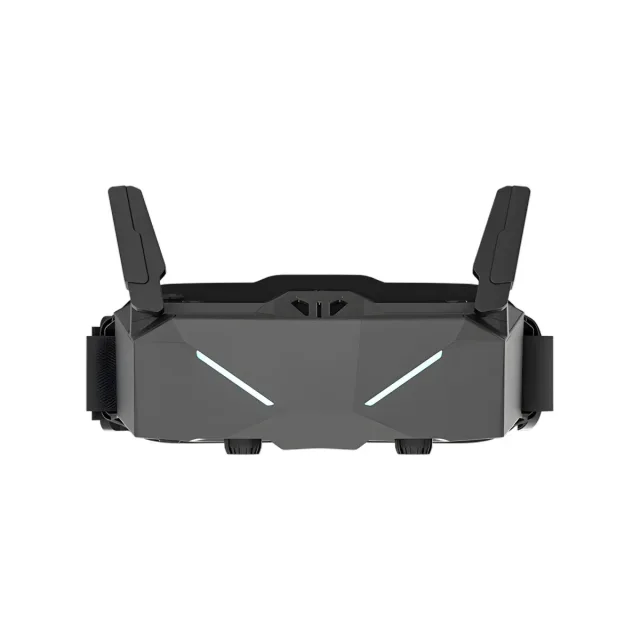
Analog
Available by Quote
Check Availability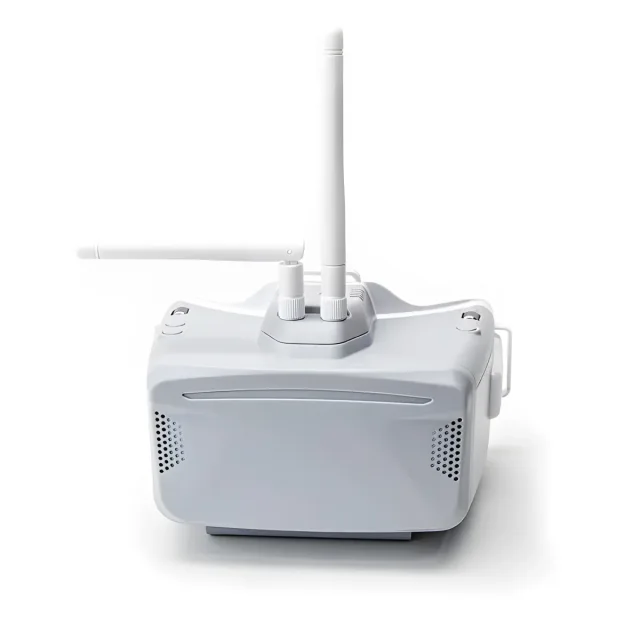
Analog
Available by Quote
Check Availability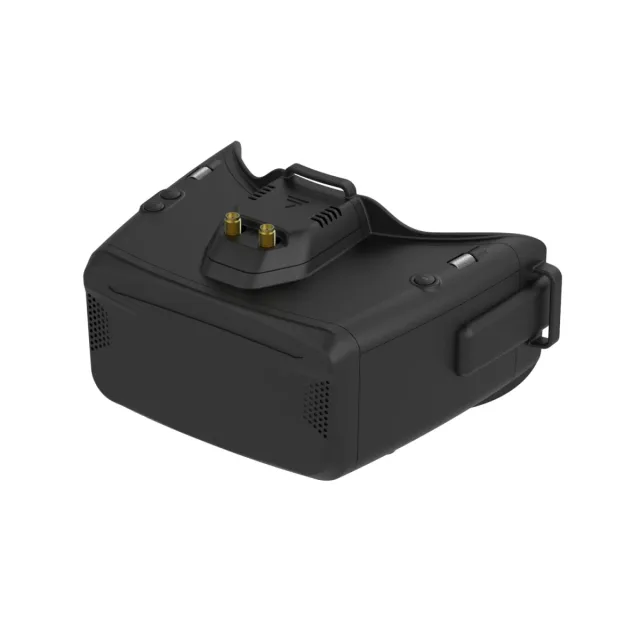
Analog
Available by Quote
Check Availability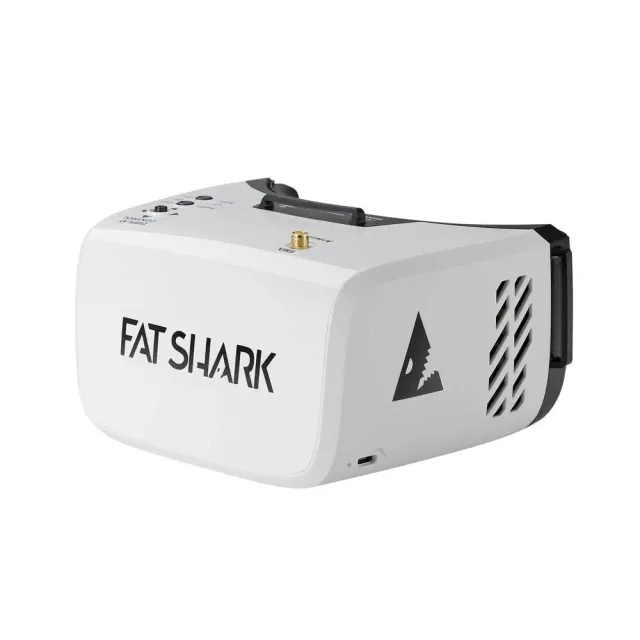
Analog
Available by Quote
Check Availability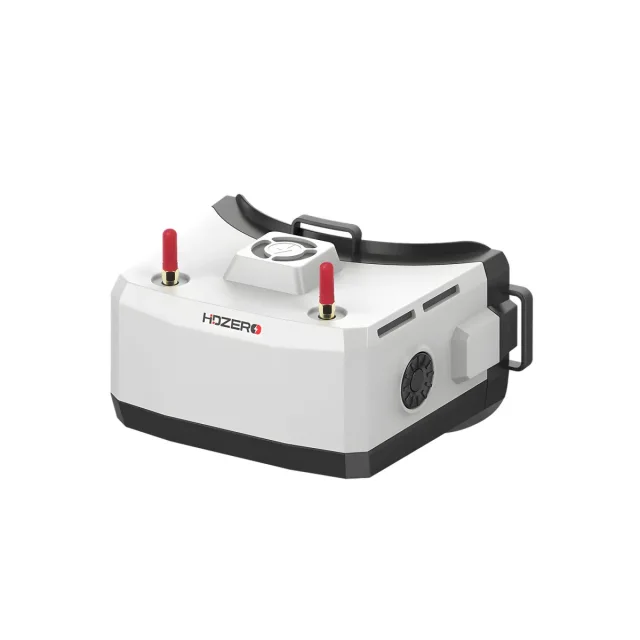
Analog / HDZero
Available by Quote
Check Availability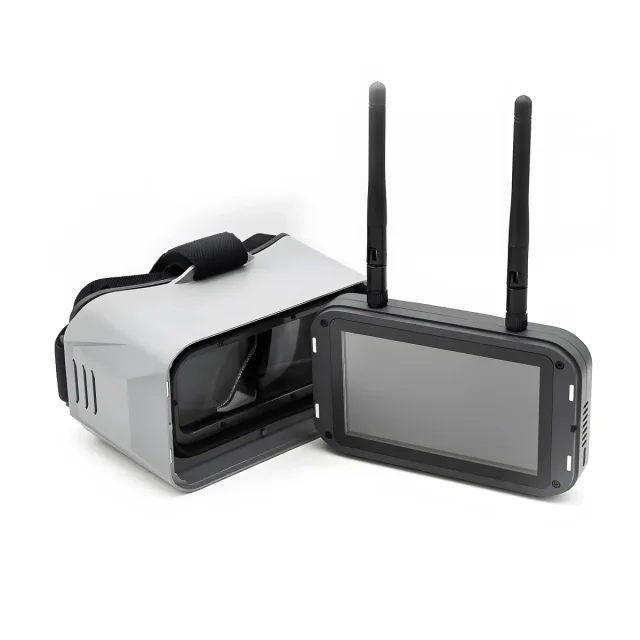
Available by Quote
Check Availability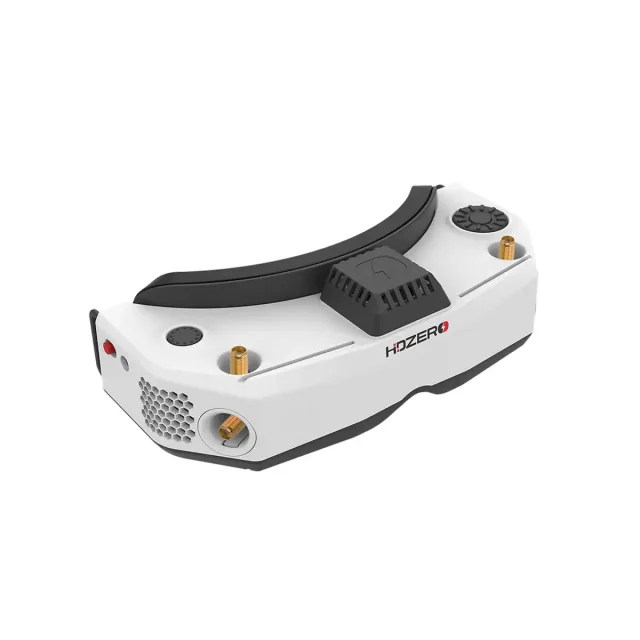
HDZero
Available by Quote
Check Availability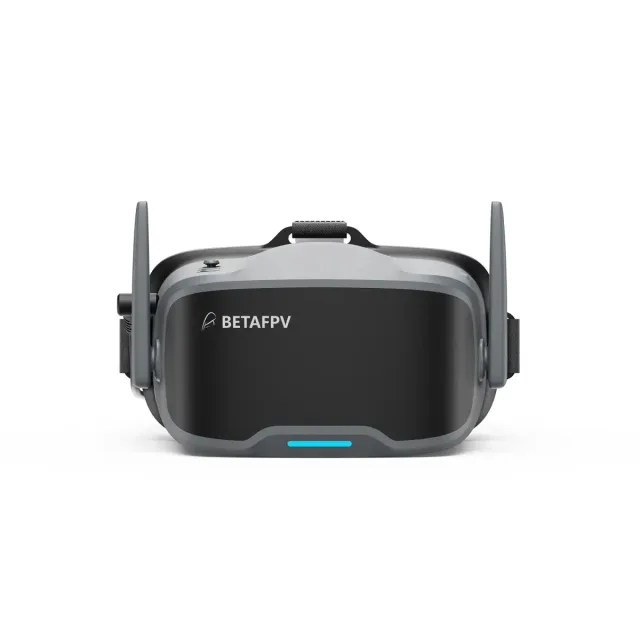
Available by Quote
Check AvailabilityMatch the video system and supported transmitter first. Analog channels and digital compatibility must be checked separately.
Use the documentation for the exact air unit and goggles model, including listed firmware requirements.
Read the package list for the exact option. Accessories can differ across packages of the same goggles.