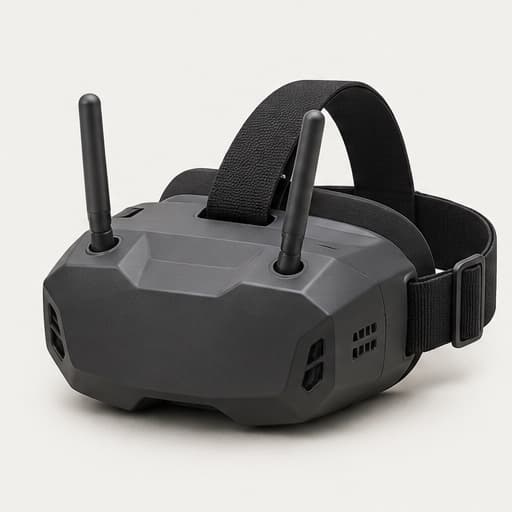
Match goggles to a video system
Identify the video transmitter, goggles model, supported options and antenna connector before buying FPV video equipment.
Identify what transmits the picture
Check the exact camera and video transmitter currently on the drone. For a digital system, look up the supported goggles for that air unit and the firmware listed by its manufacturer. For analog equipment, check the receiver’s band and channels and how the goggles accept that input.
Compare the full model and revision
Check the labels on both units. DJI documents distinct goggles combinations for its O4 series and lists which O3 accessories can be reused. Apply the same check to other ecosystems. Sharing a frequency or a similar connector does not establish video compatibility.
Check the accessories separately
Check the antenna’s frequency, connector and polarization, and the air unit’s supported camera cable. Compare camera width, board dimensions and cooling clearance against the frame. Confirm the necessary inputs and firmware before ordering a replacement.
Browse compatible components
Product examples
Use these listings to compare the specs discussed in this guide.